How it works
From your camera to every platform.
Lumbus Live is one chain: whatever films you, the phones that carry it, the studio that runs the show, and everywhere it goes out to. Here is each link, in the order your stream travels.
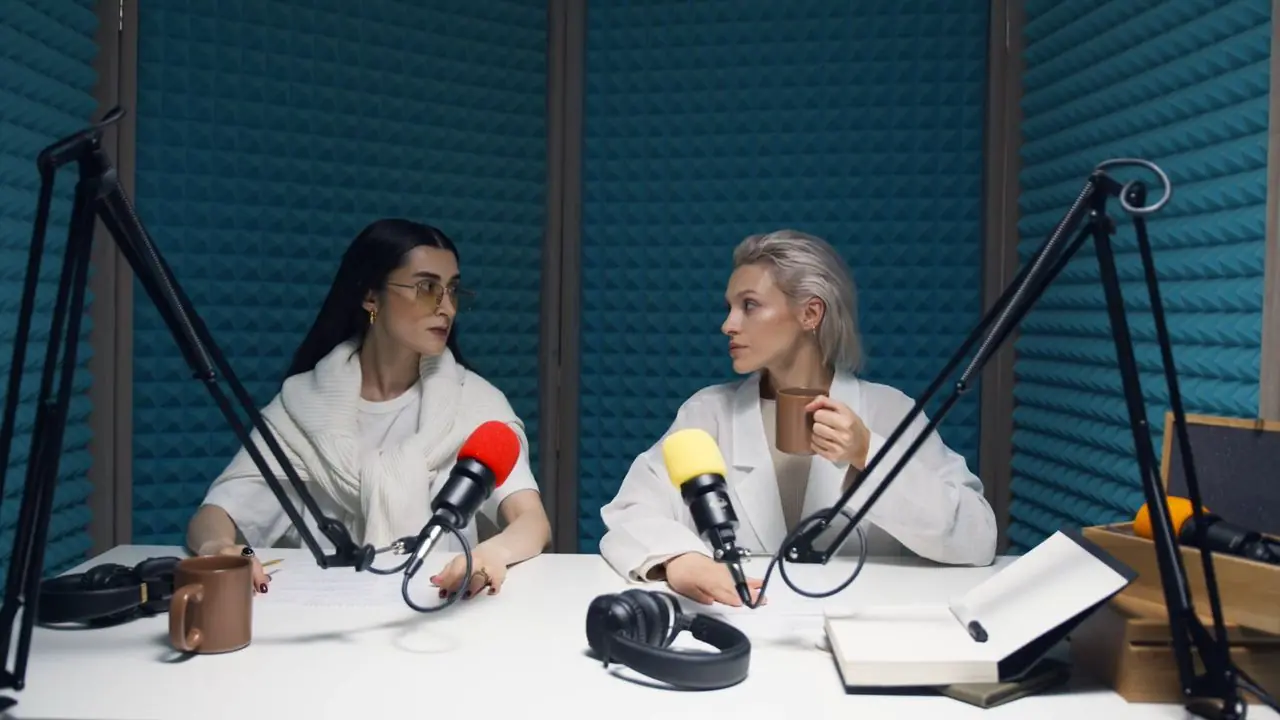
Step by step
Five links, one stream.
Follow your stream from the moment it leaves your hand.
Step 1
Your camera
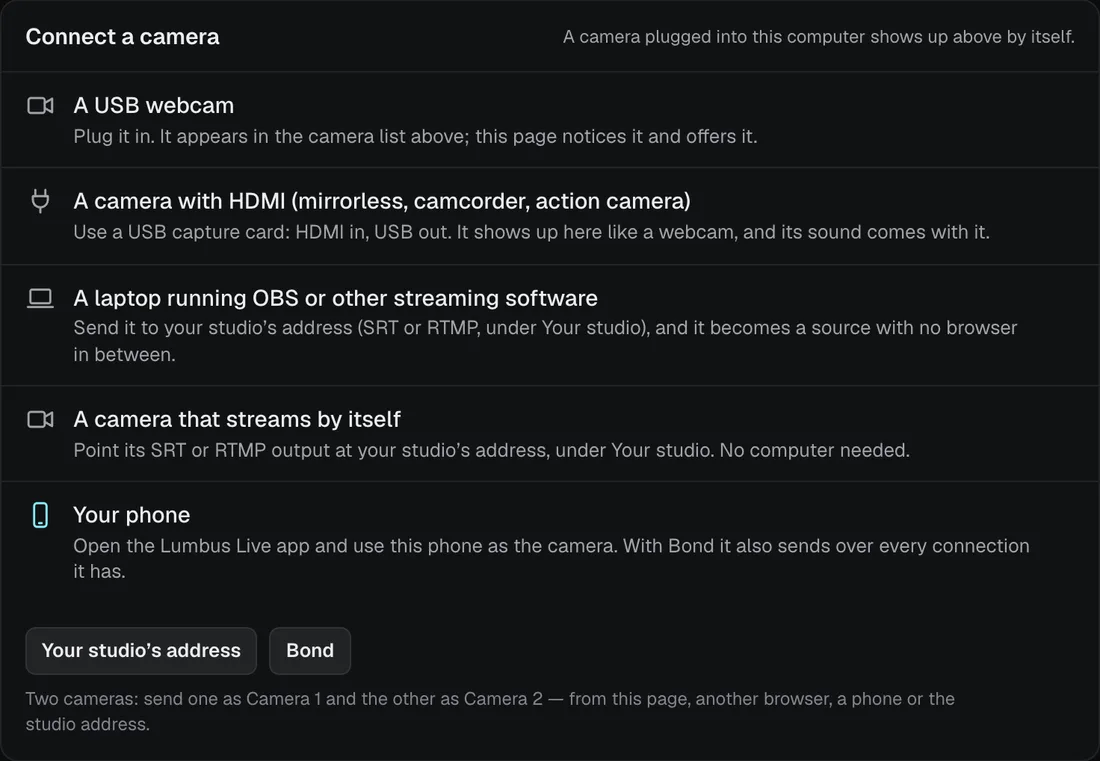
Your phone running the Lumbus Live app is the camera, and it does the encoding itself. Any other camera connects through your phone or a laptop. A laptop sends from OBS or any streaming software straight to your studio’s own address, or from the browser with nothing installed.
- Your phone: open the app and go live
- A webcam or an HDMI camera, through your phone or a laptop
- OBS or any streaming software, over SRT, SRTLA or RTMP
- A browser on a laptop or a desktop, nothing to install
Step 2
The phones around you
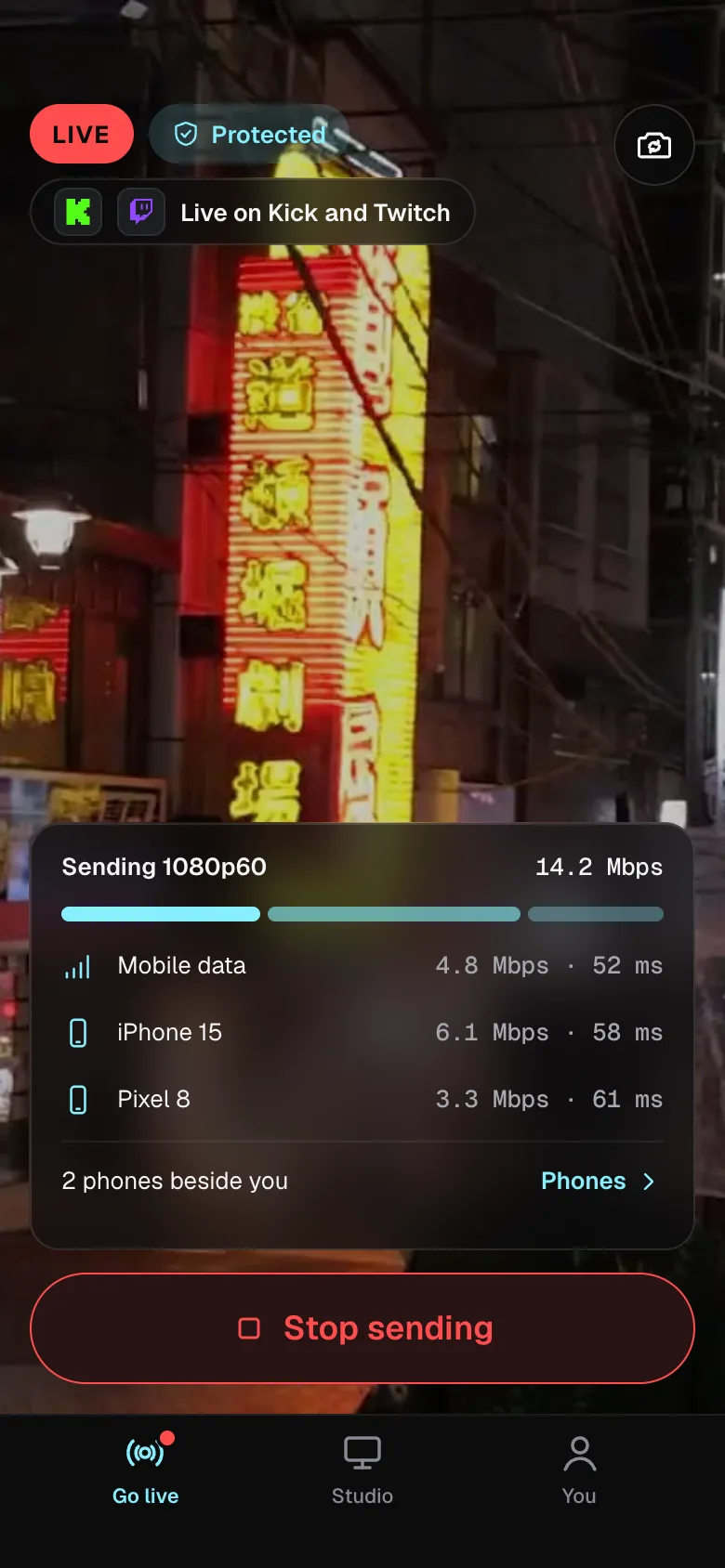
Bond turns the phones around you into one connection. Each phone scans a code, keeps the Lumbus Live app open and lends its connection. Your stream is spread across all of them and put back together by Lumbus, so one weak network never ends it.
- One word says where you stand: Protected, Single, Weak or Lost
- Up to 14 phones beside you on Studio Max, one on Free
- Each uses its own data plan and carries only part of the stream
- Bond comes with every plan, Free included
Step 3
Your studio in the cloud
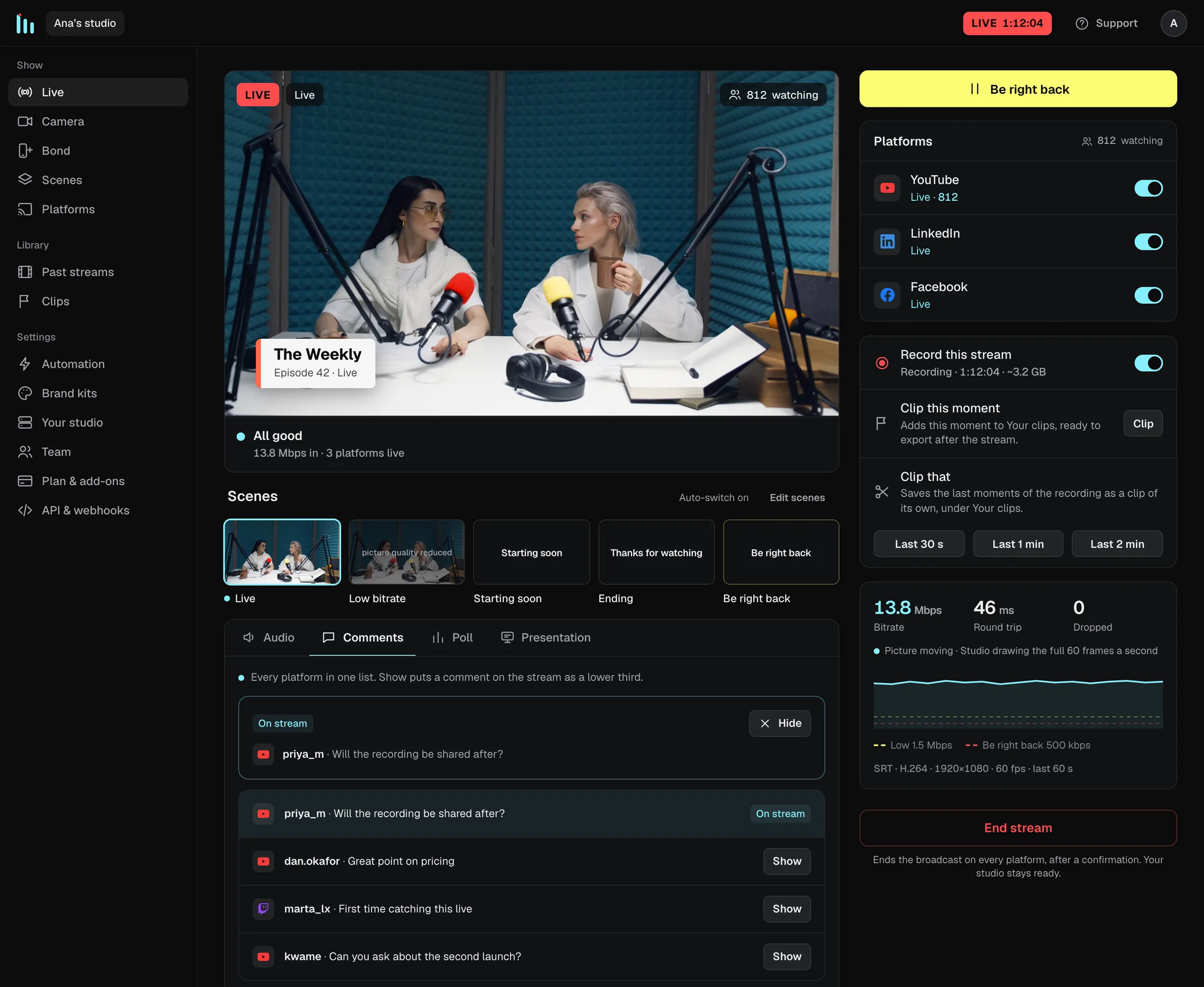
Your stream arrives in a studio that runs in the cloud, on a machine of its own with a graphics card. Scenes, guests, your logo, captions and the recording all run there, not on your computer, and you run the show from a browser or the app.
- 1080p at 60 frames a second on every plan
- Ready-made scenes, and up to thirty of your own
- Guests from a link, comments on screen, captions and polls
- When the signal drops, viewers see Be right back, and Live comes back by itself
Step 4
Every platform at once
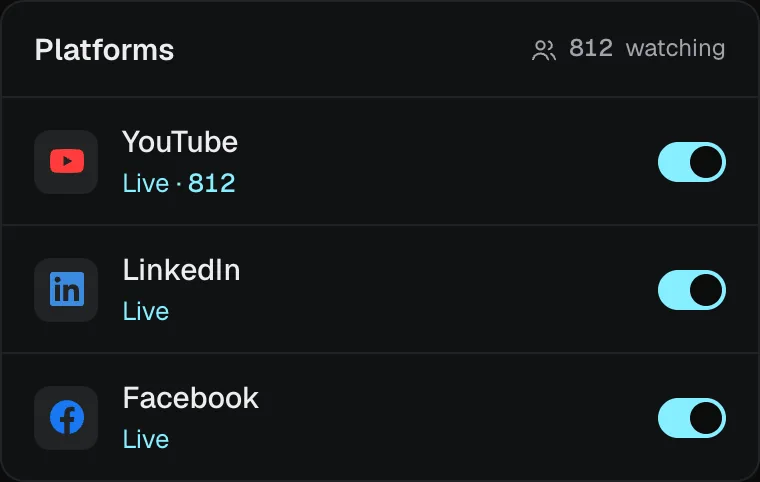
One stream goes out to YouTube, Twitch, Kick and ten more at once, and to a watch page of your own. Turn any platform on or off while you are live; one that drops reconnects by itself and the others never notice.
- 2 platforms at once on Free, up to 20 on Studio Max
- Test each one off air before you start
- Your watch page: one link, no app, no account
Step 5
After the show
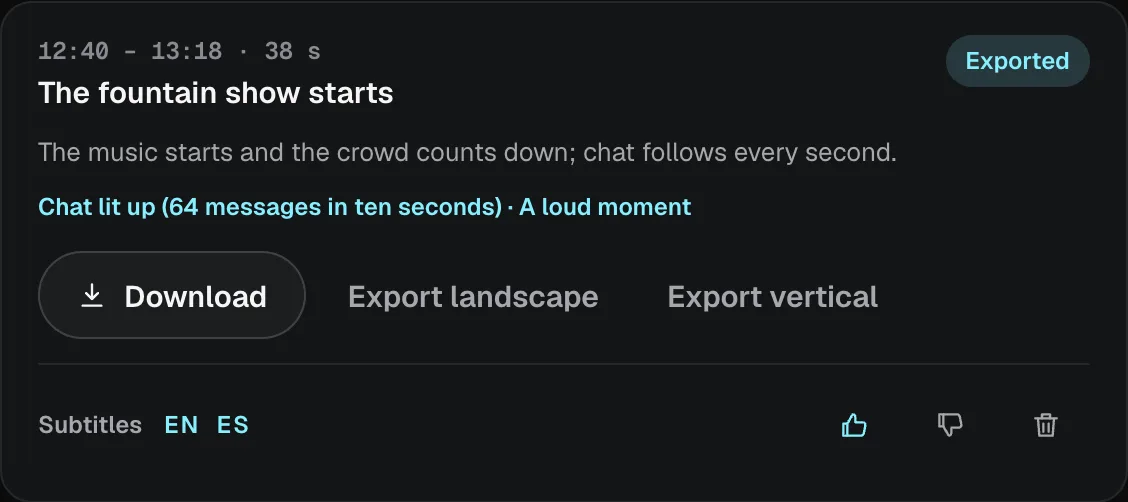
Every stream is recorded. Download it as MP4 files that open in any editor, with every guest on a track of their own, and get the clips worth posting found for you, cut landscape or vertical with subtitles.
- Recordings kept while you subscribe, up to your plan’s storage (14 days each on Free)
- Clip the last thirty seconds, minute or two while you are live
- AI clips: 2 exports a month on Free, up to 250 on Studio Max
Before you start
What you need
- 01
A phone or a laptop
An iPhone or an Android phone with the Lumbus Live app, or a browser on a laptop. A camera too, if you like one.
- 02
The phones around you, if you want them
Each one lends its own connection for as long as you stream. Whoever holds one doesn’t need a Lumbus login.
- 03
Nothing to buy but a plan
No hardware to buy, rent or carry. Start for free, or try Studio Pro free for three days first.
Questions
Something else? Write to live@getlumbus.com.
Do I need any hardware?
No. Lumbus uses your phone as the camera, and the phones around you as extra connections. If you already use a camera or a laptop, Lumbus takes that too; a camera sends its picture through your phone or a laptop, unless it streams by itself.
How does Bond work?
Each phone you add runs the Lumbus Live app and lends its connection. Your stream is split across all of them and put back together by Lumbus before it goes out: to your studio, or straight to your platforms.
The full answerHide the full answer
Each phone you add scans a code from your screen, keeps the Lumbus Live app open and lends its connection. Your stream is split across every connection and put back together by Lumbus before it goes out, to your studio or straight to your platforms, so one weak network never ends the stream. One word tells you where you stand: Protected (two or more connections on different networks), Single, Weak or Lost. Bond is part of every plan, Free included: one phone beside you on Free, up to 14 on Studio Max.
Can I stream from a camera or a laptop?
Yes. Anything that sends SRT, SRTLA or RTMP points at your Lumbus address. The details live in the dashboard and the guides, not on this page.
The full answerHide the full answer
Yes. Lumbus gives every source its own SRT, SRTLA and RTMP address from day one. Point a laptop running your streaming software, or a camera that streams by itself, at them and the picture arrives in your studio like any other; on Studio Pro and Studio Max a second source can stand by as a backup and take over by itself, or go on screen beside the first as a second camera.
Is there an app?
Yes. The Lumbus Live app for iPhone and Android is the camera, the controls and the alerts. Same login as the web; plans are bought on the web.
The full answerHide the full answer
Yes. The Lumbus Live app for iPhone and Android is your camera when you stream from your phone, lends a phone’s connection when it stands beside someone else’s stream, and carries your studio and dashboard: scenes and Be right back, go live and end stream, record and clip, platforms on or off, every connection and its health, alerts as pushes even with the app in the background, and the support line. Same login as the web, free with every plan; plans and add-ons are bought on the web.
What happens when my signal drops?
Viewers see a “Be right back” screen instead of a frozen picture, and Live comes back by itself when your signal returns. All your platforms stay connected the whole time.
The full answerHide the full answer
Studio watches your feed once a second. Weak for a few seconds and viewers get your Low bitrate scene; gone, and they get Be right back. A frozen or black picture arriving at a healthy bitrate is seen too: shown as a word, and sent to Be right back if you turn that rule on. Live comes back by itself once the signal has held for a few seconds, with a margin, so it never flaps. Viewers see a designed scene, not a frozen frame, and all your platforms stay connected the whole time.
Do the phones around me need a plan?
They use their own data plans, shared between them, so each one carries only a part of your stream. How much depends on your picture quality; the next answer gives a figure.
Pick a plan and go live.
Buy by the month, or by the year to save 12%. Want to try it first? Studio Pro is free for three days, with eight hours on air and no card. Or start for free: two hours live a month, for as long as you like.