Guests
Guests from a link.
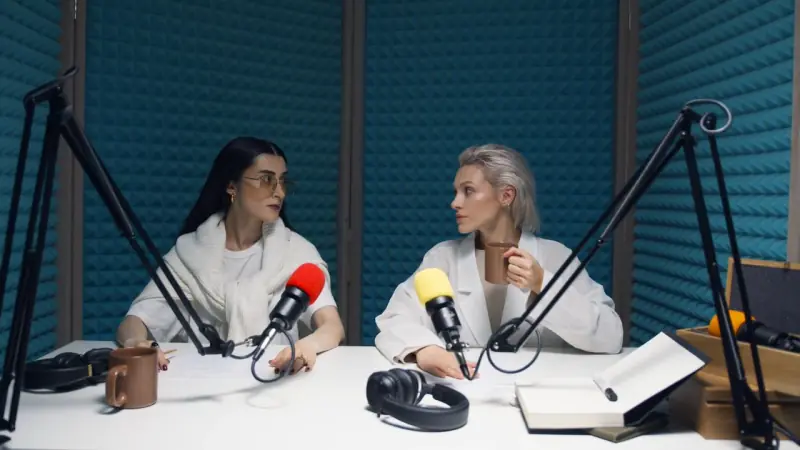
Send a link. Your guest opens it in a browser, picks a camera and a microphone, and waits off screen until you bring them on. No app, no account.
Your guest
A browser, a camera, one button.
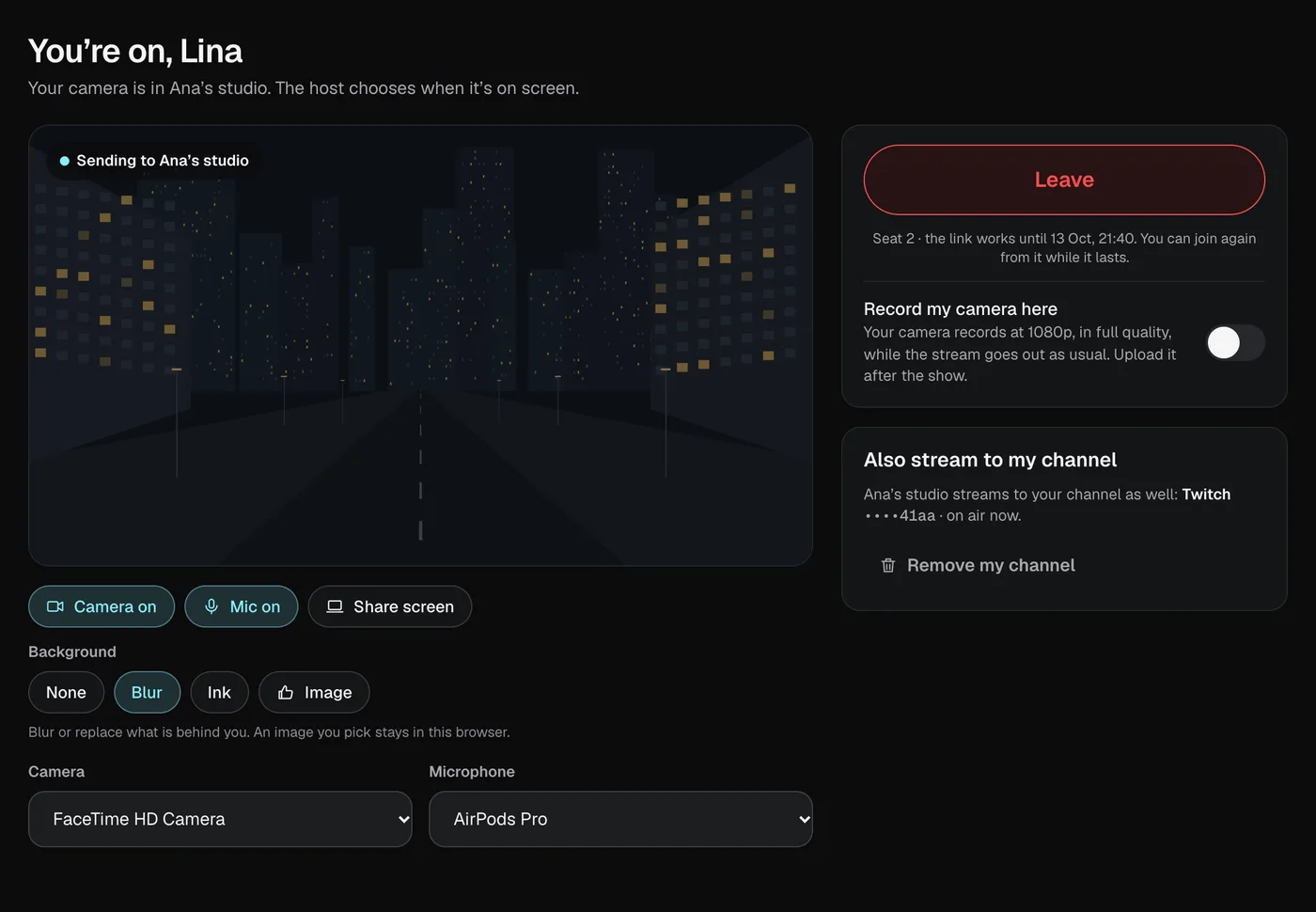
On a computer or a phone, your guest opens the link, picks a camera and a microphone, shares a screen if you want it, and joins. Once in, they see the stream and hear the studio, so a conversation runs the way it would in a room.
- No app to install and no account to make
- Camera, microphone and screen, each on its own button
- A background behind them if they want one
You
A seat each, on screen when you say.
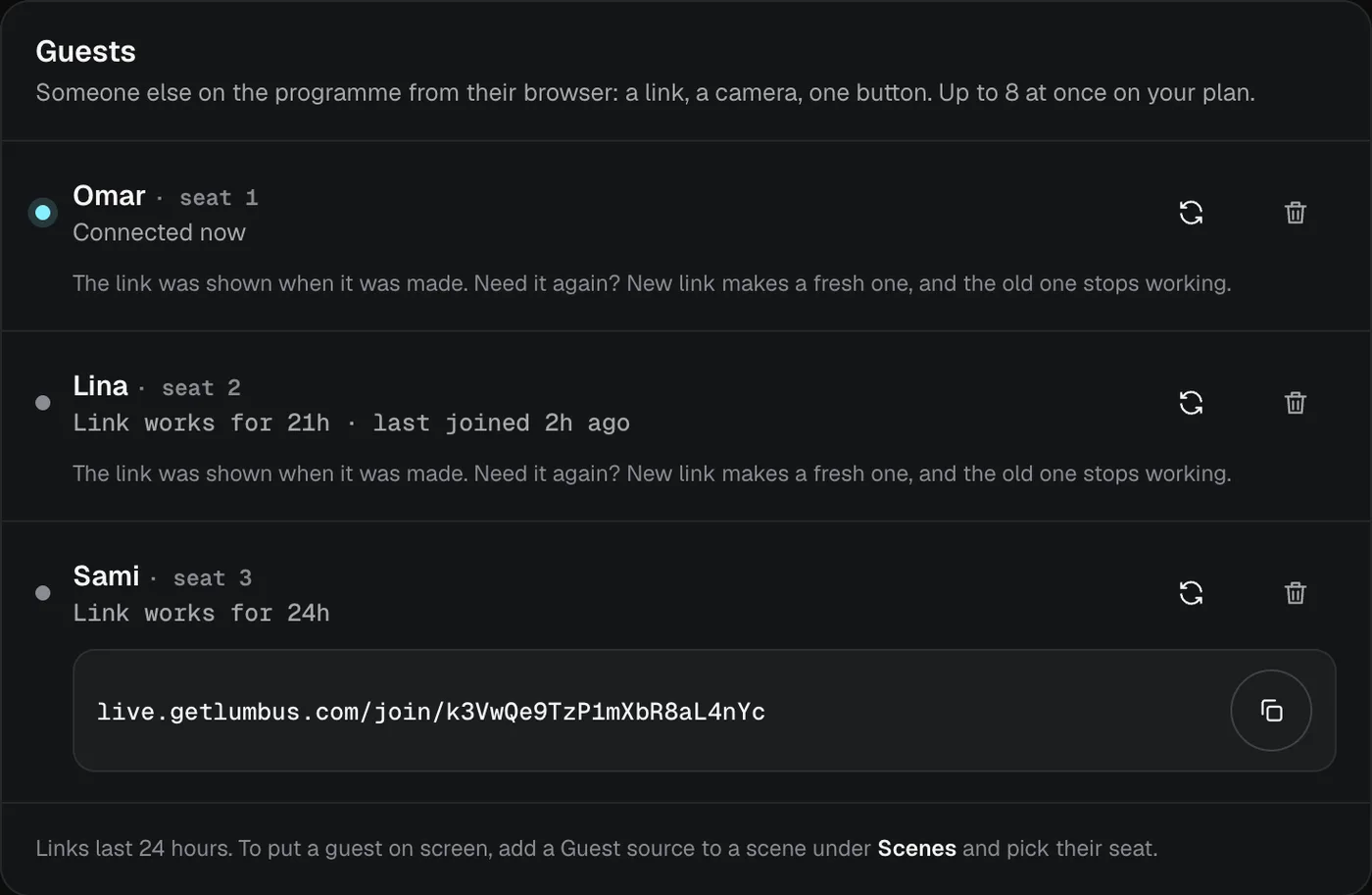
Each guest has a seat in your studio and a link of their own. They wait off screen until you bring them on, and you set their volume, mute them or clean up their sound from the same panel.
- A link works for 24 hours; a new one ends the old
- Volume, mute, noise suppression and a live meter for every guest
- Put a guest in any scene, beside you or on their own
On screen
Room for the whole panel.
Up to 8 guests on screen at once on Studio Pro and Studio Max, with your own camera beside them.
- 2
- Free
- 4
- Studio
- 6
- Studio Plus
- 8
- Studio Pro
- 8
- Studio Max
After the show
Every voice on its own track.
Edit a conversation the way an editor wants it: each guest's camera and voice kept apart, ready to download.
A track each
Separate video and audio tracks for every guest and every feed, on every plan, beside the programme.
Audio files
Make an audio file of any past stream, or download the programme and every track as MP4 files.
Their own recordingFrom Studio Plus
A guest can record their own camera in full quality in their browser while the stream goes out, and it uploads after.
Their own platformFrom Studio Pro
A guest can add a platform of their own from their join link, so the show goes out on their channel too.
Questions
Something else? Write to live@getlumbus.com.
Can guests join without installing anything?
Yes. A guest opens a link in their browser and joins with their camera, microphone and screen. No app and no account; you choose when they are on screen.
The full answerHide the full answer
Yes. Each guest gets a link to a seat in your studio. They open it in a browser on a computer or a phone, pick their camera and microphone, share their screen if you want it, and wait off screen until you put them on. No app, no account. From Studio Plus, they can also record their own camera in full quality while the stream goes out, and upload it after the show. Studio takes four guests on screen, Studio Plus six, Studio Pro and Studio Max eight.
Can I edit my streams afterwards?
Yes. Every recorded stream downloads as a standard video file that opens in the popular editing apps. Recordings are kept while you subscribe, on every paid plan, so download the ones you want to keep.
The full answerHide the full answer
Yes. Every recorded stream downloads as standard MP4 files that open in Premiere Pro, Final Cut Pro, DaVinci Resolve or CapCut. Recordings are kept while you subscribe, on every paid plan, so pull them down and they’re yours for good.
Pick a plan and go live.
Buy by the month, or by the year to save 12%. Want to try it first? Studio Pro is free for three days, with eight hours on air and no card. Or start for free: two hours live a month, for as long as you like.